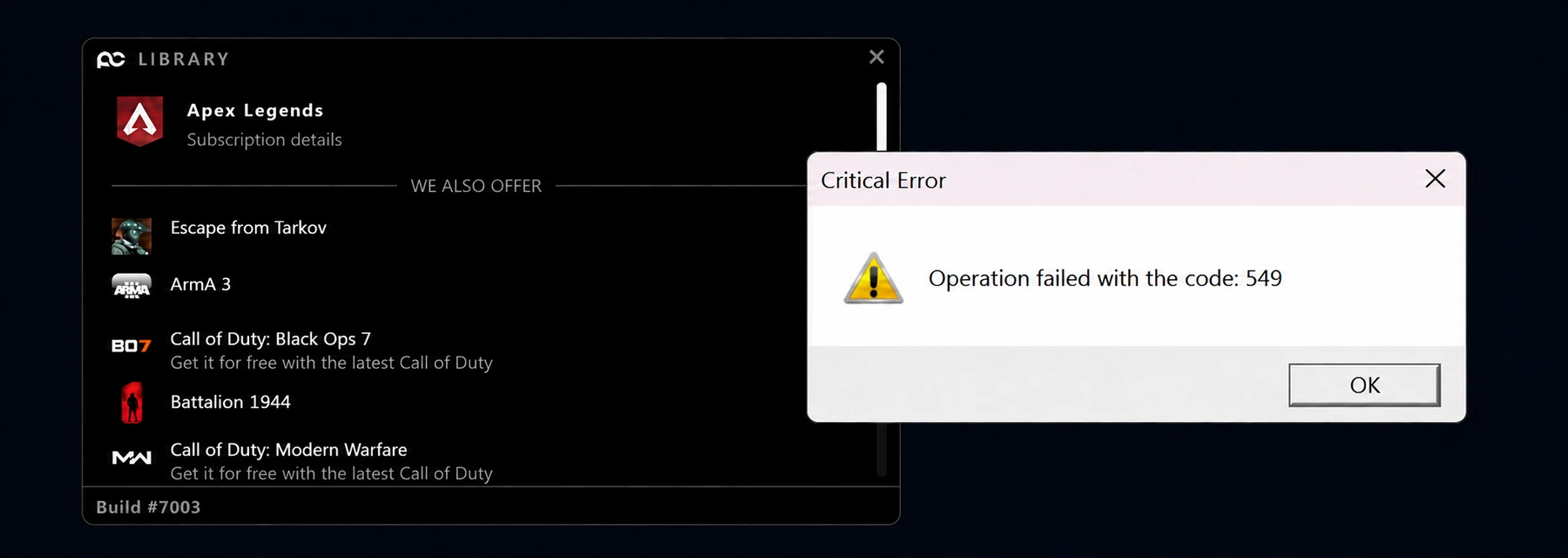
Code 549
If you see the error Operation Failed With Code: 549 when attempting to run the software, it means the loader has detected an incompatible version of Windows.
Cause
Incompatible Windows Version Detected
The cheat cannot operate on your currently installed Windows build. This typically means your version is either too old or a recent update has broken compatibility.
Solution
You might have downloaded the wrong loader for your version. Verify your Windows version and download the correct loader from the panel.
Verify Your Windows Version
Press Win + R, type winver, and press Enter to see your exact Windows version.
Download the Correct Loader
Open the panel and download the loader that matches your Windows version.
Download from the Panel
Download the correct loader for your Windows version here.
Install a Supported Version
If your Windows version is not supported, you must install a supported operating system. The guides below show how.